How the card’s reward is redeemed
Updated 7 November 2026 · 2 min read · By Diego, founder of Loyaltygo
In short
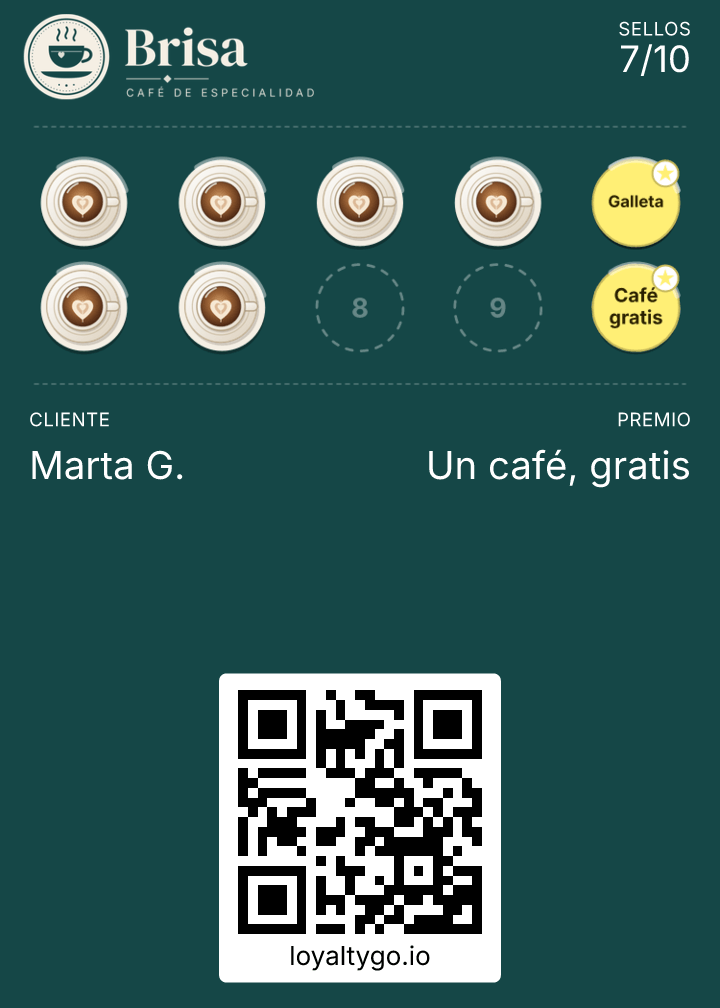
When the customer completes the card, they get a notification on their phone that their reward is ready. The reward isn’t redeemed on its own: when you give it to them, you scan their card and tap “Redeem reward”. On a stamp card it goes back to zero; on a points card the reward’s points are subtracted and they keep whatever is left over.
What happens on each type of card?
- Stamps: when it’s redeemed, the card goes back to 0 and starts another round.
- Points: the reward’s points are subtracted and they keep the rest.
- Challenges: the oldest pending reward is redeemed.
What does the customer see?
A notification with 🎁 when their card has the reward ready. When it’s redeemed, their card updates without a notification.
Frequently asked questions
What if I tapped “Redeem reward” by mistake?
The scanner lets you undo the last stamp or redemption for 2 minutes.
How are stamps added?
By scanning their card with the scanner. It’s in how to add a stamp or points.